Design Goal: Unattended, Not Unaccountable
An AP pipeline that runs without supervision has to meet a higher bar than one with a human in the loop: every decision it makes must be explainable afterwards, and every failure must leave the world clean. Those two requirements — full audit and atomic processing — drove the architecture more than any individual AI capability.
The pipeline runs against shared AP mailboxes over the Microsoft Graph API, polling each enabled mailbox on a 30-minute cycle, with an on-demand trigger for manual runs.
Stage 1 — Agentic Triage
Each new email is assessed as a whole before any document processing begins. The triage layer classifies the message into operational categories — invoice delivery, statement, supplier query, credit note, other — and makes three judgment calls that rules engines historically failed at:
- Intent: what does this email want from the AP team?
- Sentiment: is the sender escalating? Frustrated or chasing messages are flagged for immediate human attention rather than queued behind routine mail.
- Composition: does this email contain multiple distinct work items?
Stage 2 — Mixed-Attachment Splitting
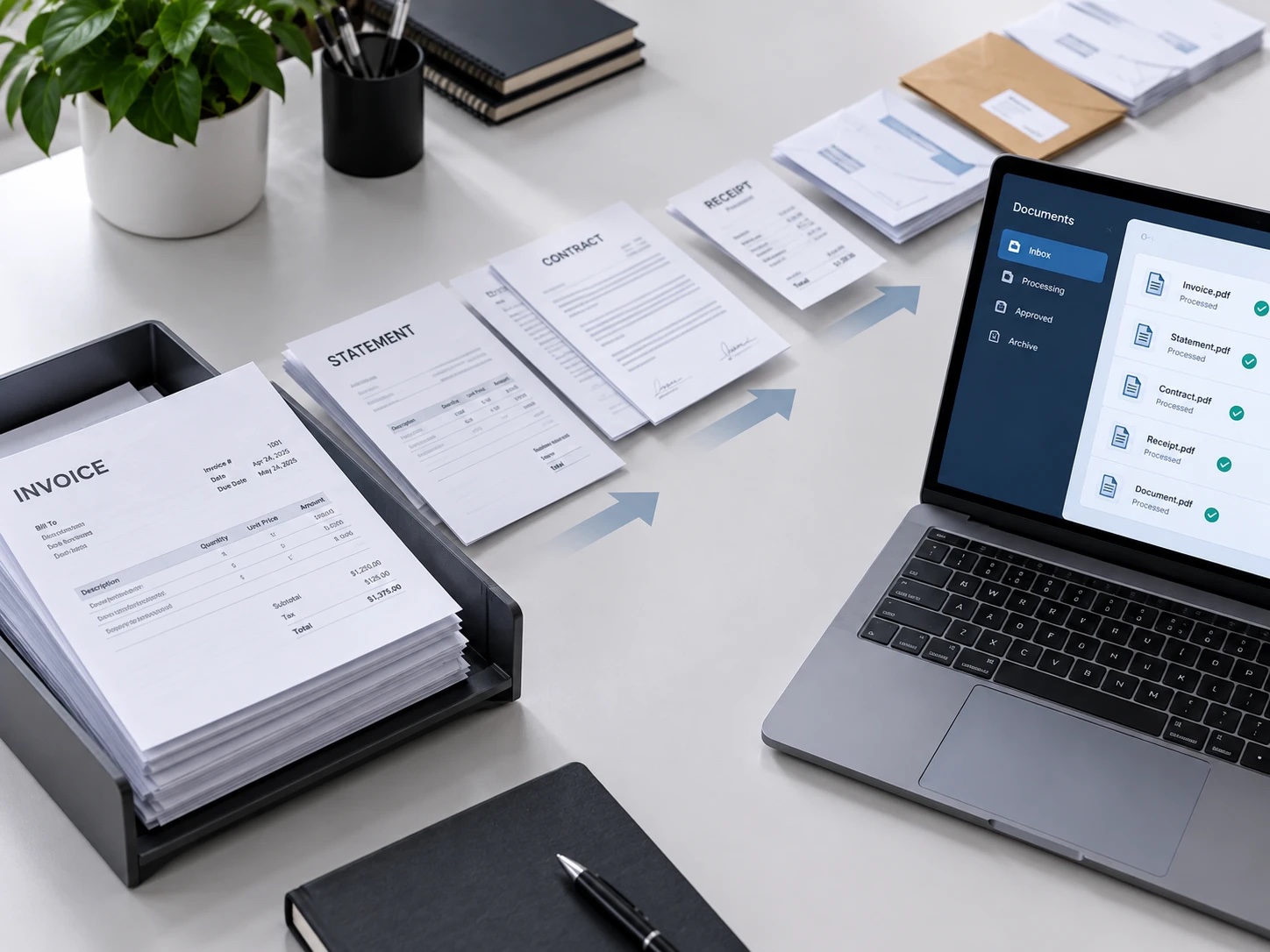
The composition call matters because real supplier emails are messy. One message can carry an invoice PDF, a monthly statement, and a question in the body text. The pipeline splits such emails into separately-typed work items — each billed, routed, and tracked on its own — and links them with a threaded note so the shared origin is never lost.
Statements and queries then follow their own flows. They never enter the invoice pipeline, which keeps extraction and matching clean, and they never get dropped, which keeps suppliers answered.
Stage 3 — Zero-Training Extraction
Invoice documents flow into DocQ's extraction engine: vendor name, invoice number, dates, line amounts, and references pulled from any format without labeled training data. A hard gate follows extraction — required fields must be present and non-empty, and literal placeholder values are rejected, not just nulls. Documents that fail the gate branch to the exception queue instead of proceeding with bad data.
Stage 4 — Duplicate Detection
Every extracted invoice is checked against a processing ledger — 1,200+ documents strong by the end of the pilot — keyed on vendor and invoice identity. Duplicates aren't silently dropped: they're flagged with a note citing the original processing date and document, so the AP team sees the repeat and its history.
Stage 5 — Routing and Filing
Clean invoices are assigned to AP team members by a configurable routing table: per-region mailbox ownership, round-robin rotation, and per-member batch sizes. Finished documents are renamed to a structured convention and filed into SharePoint, mirroring the folder structure the team already uses — DocQ handles processing, while the system of record stays where the organization wants it.
Stage 6 — Verification and Rollback
After processing, an asynchronous verifier confirms every document of every email reached its end state. On any failure, the pipeline applies all-or-nothing rollback for that email: documents are removed, ledger rows are reversed, and the email lands in the exception flow intact. The invariant is simple and absolute — an email is either fully processed or untouched, never in between.
The Operational Envelope
Two production details round out the design. Extraction runs in batch mode once volumes stabilize, halving processing cost with no code change. And the whole pipeline is configuration-first: mailboxes, routing rules, batch sizes, and folder mappings live in a routing table the team can edit — bringing a new region online is configuration, not a project.
Validation before go-live followed the same discipline as the design: a 57-scenario replay of archived emails (100% pass), a six-week pilot of 1,200+ real documents, and a full dry run of both the happy path and the failure path — rollback included — before the first live mailbox was enabled.